Attach Invoice to Transfer
- Open up the Receipt. In the top right hand corner of the screet there is three dots. Click on that Icon.
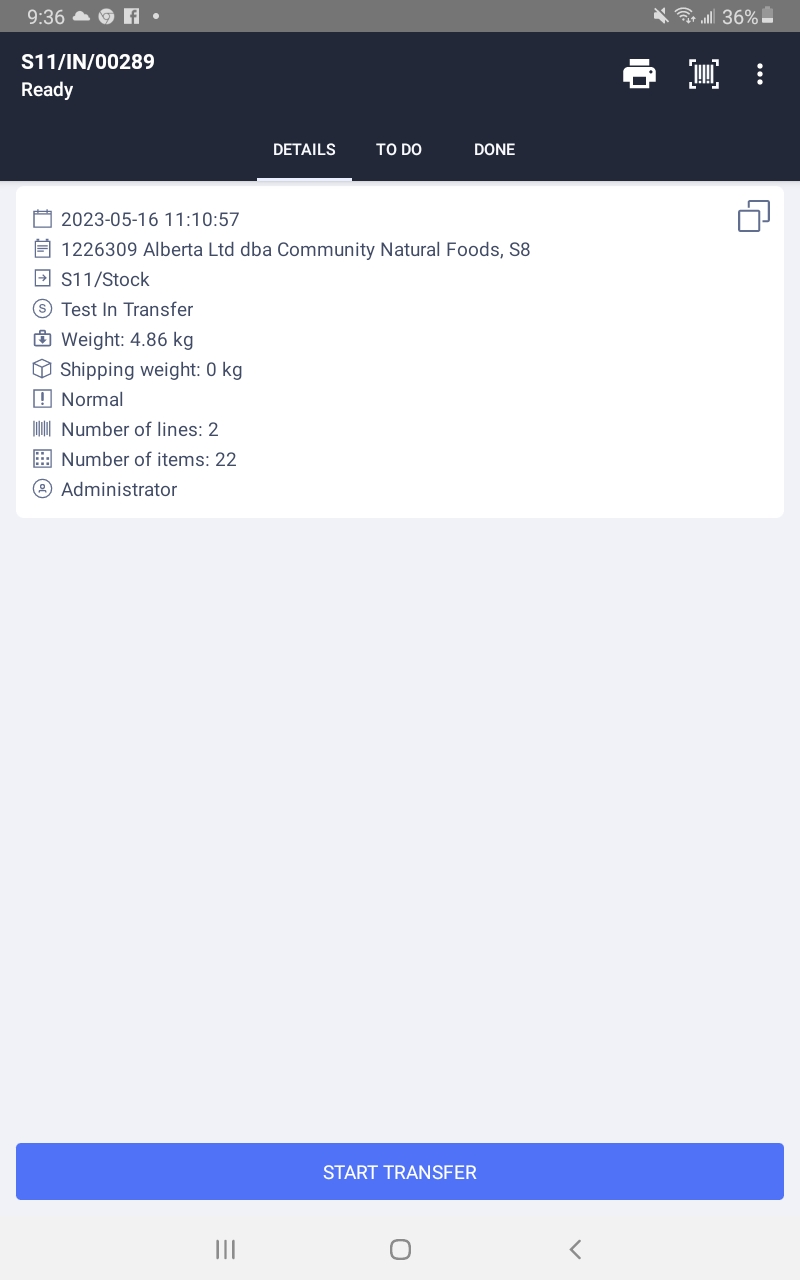
- From that menu select "Attach Images".
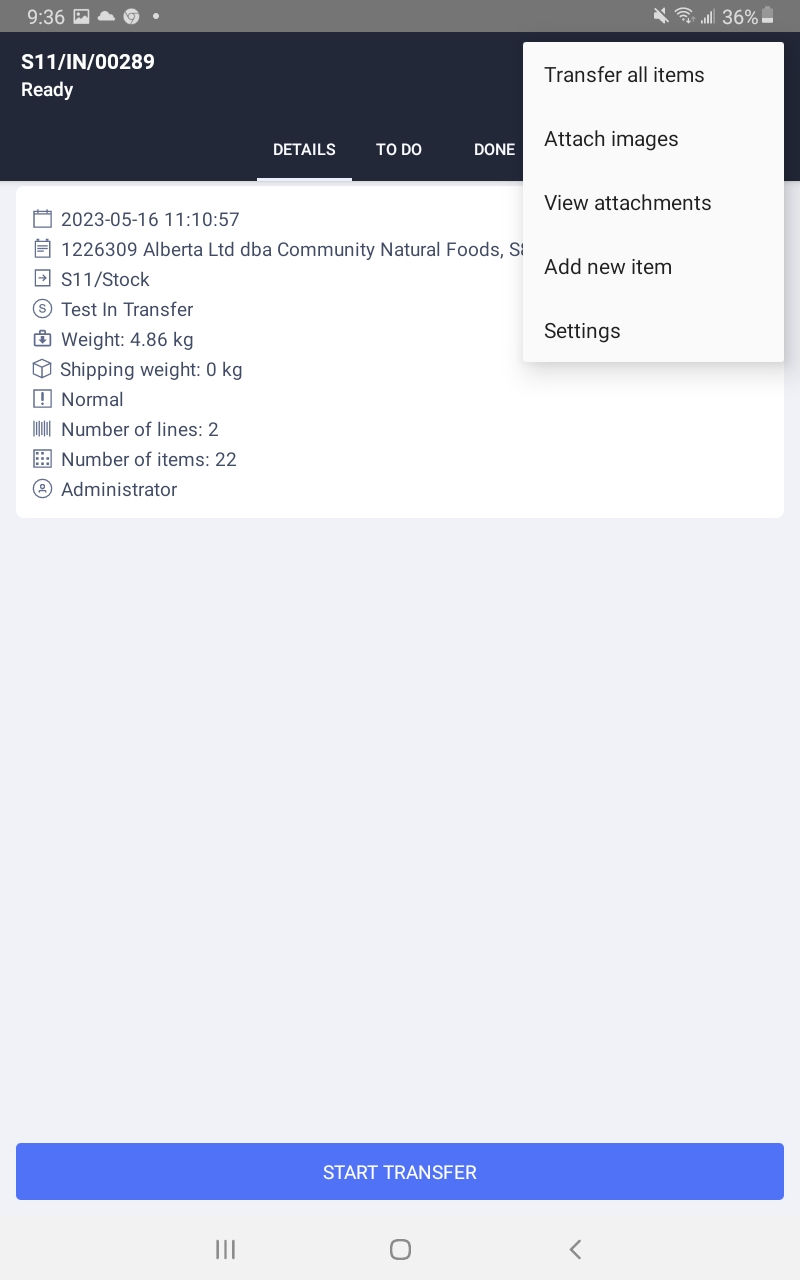
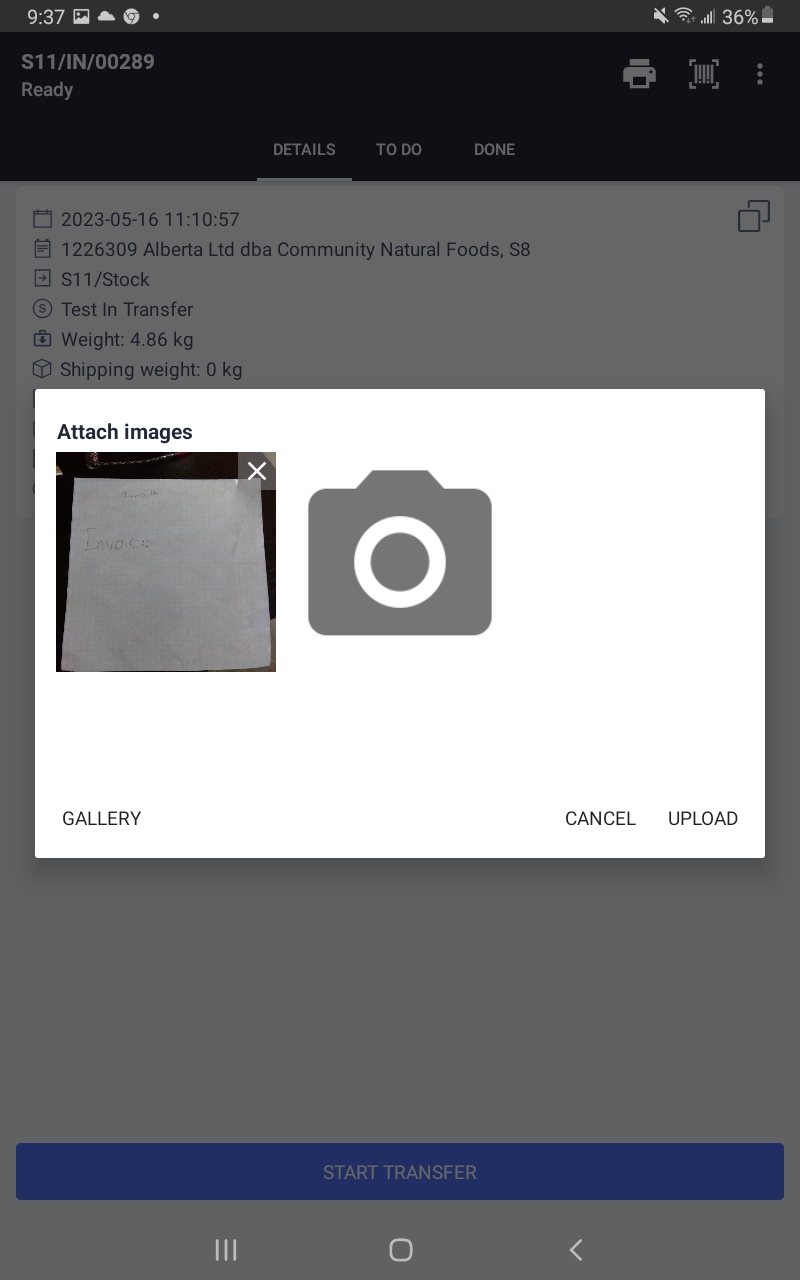
- Click on the large camera Icon in the middle of the window.
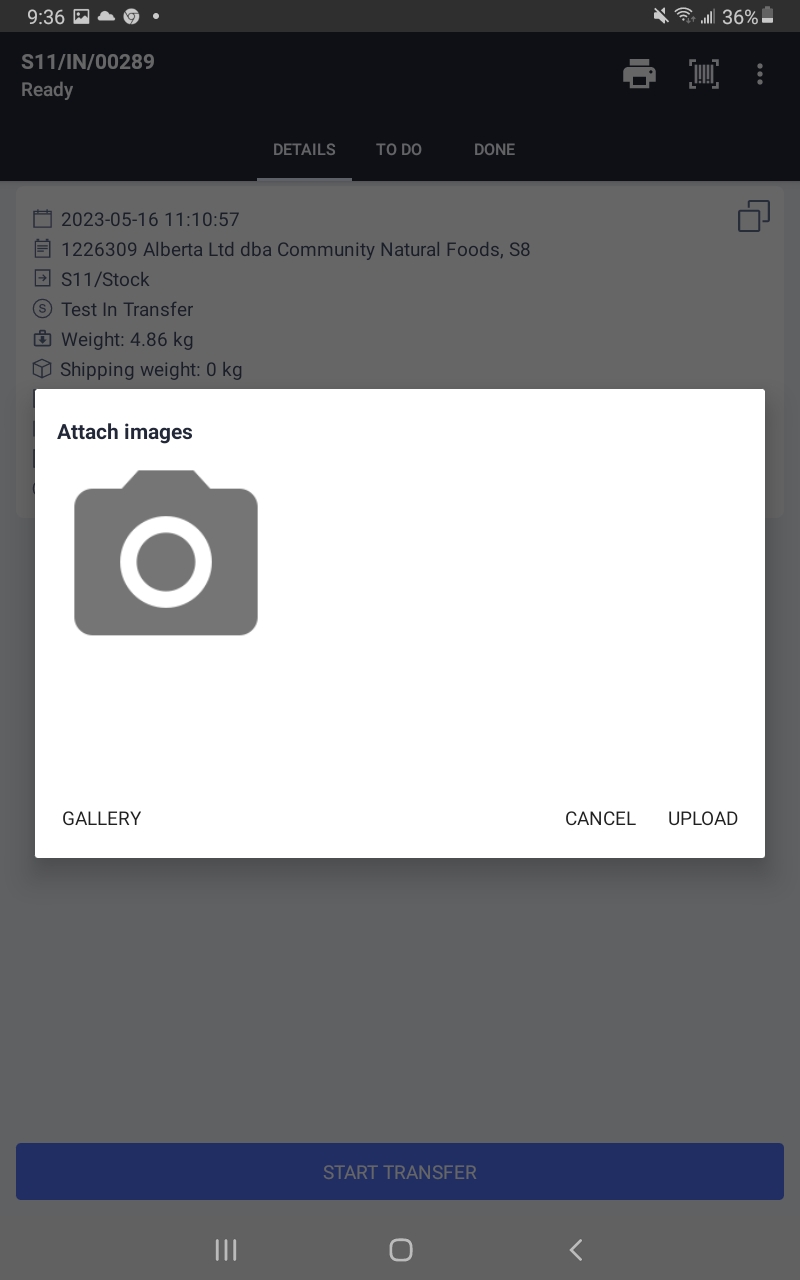
- Take a photo of the Invoice.
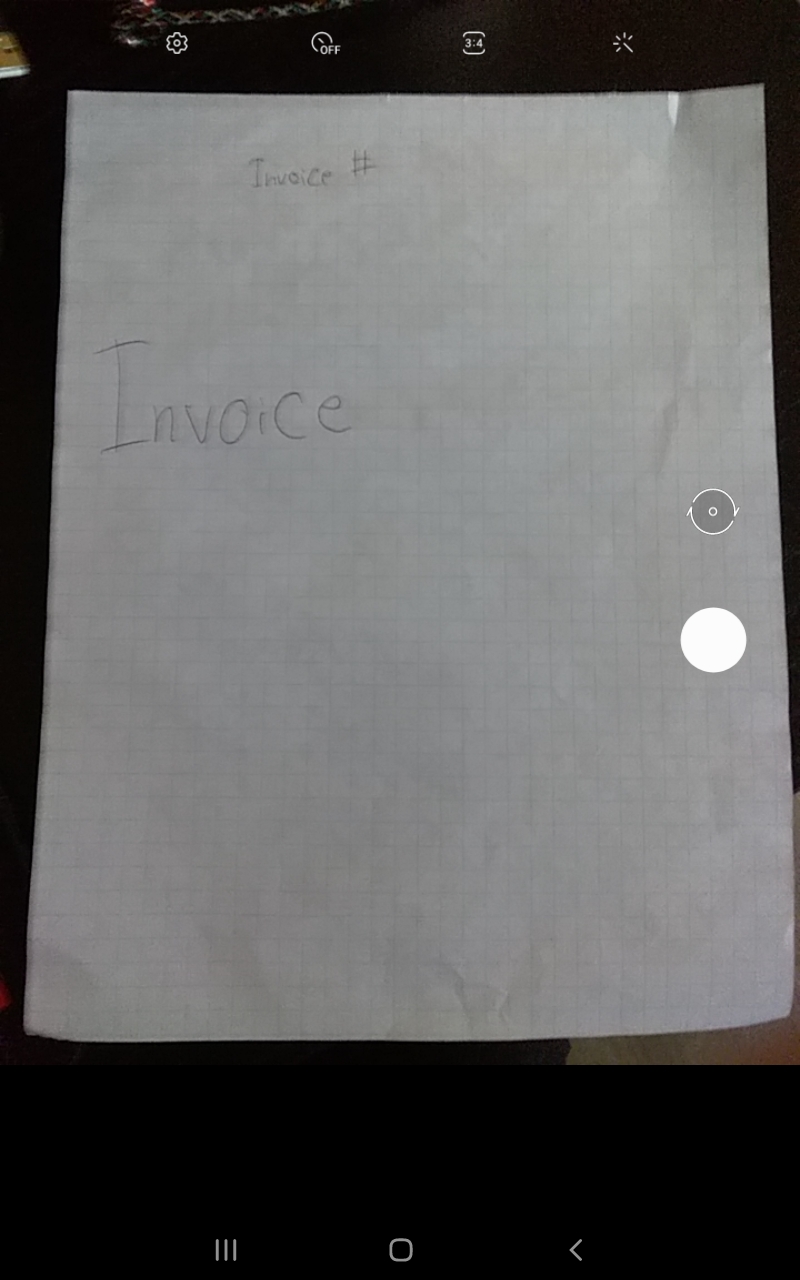
- You can continue to add photos by clicking on the camera icon or you can just click the upload button in the bottom right of the window.
- Once the images are uploaded you can view the attachments by clicking on the "View Attachments" button in the actions menu.
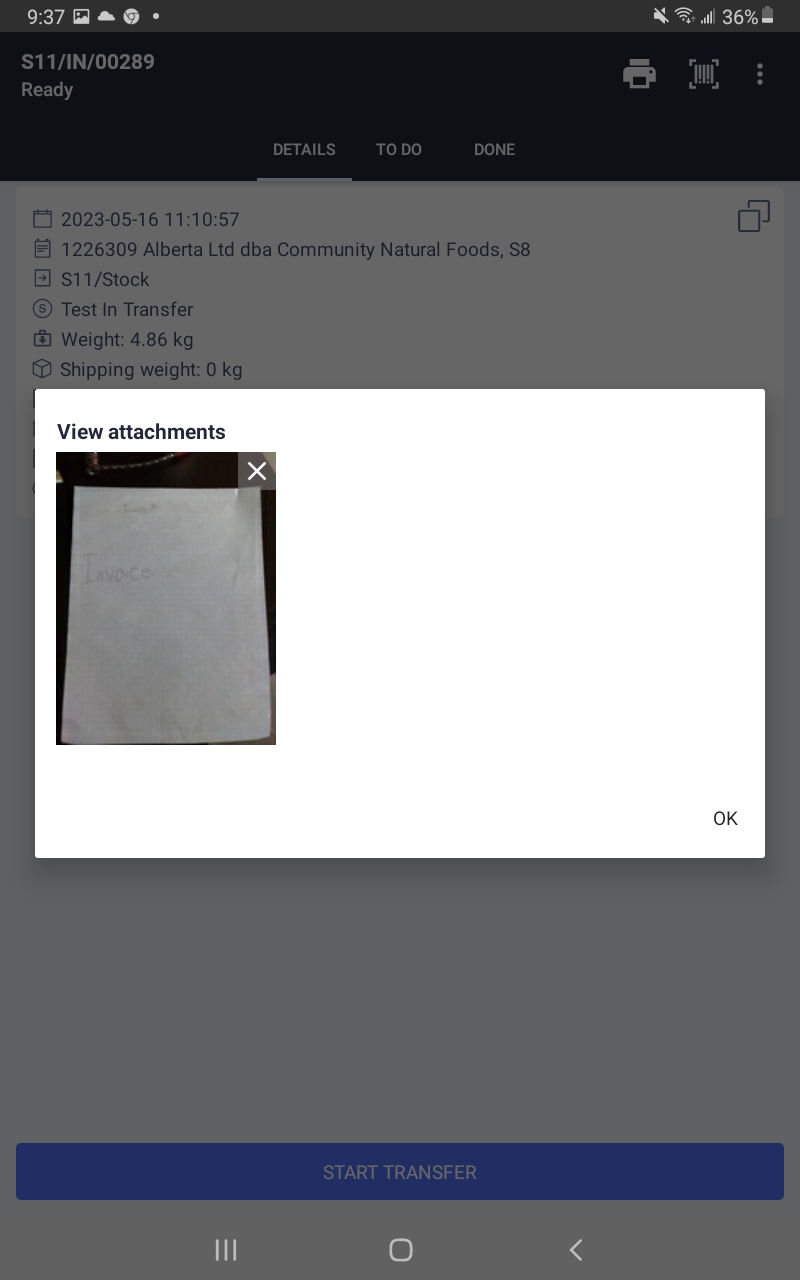
- Once the images are uploaded you can view them here
Hey there