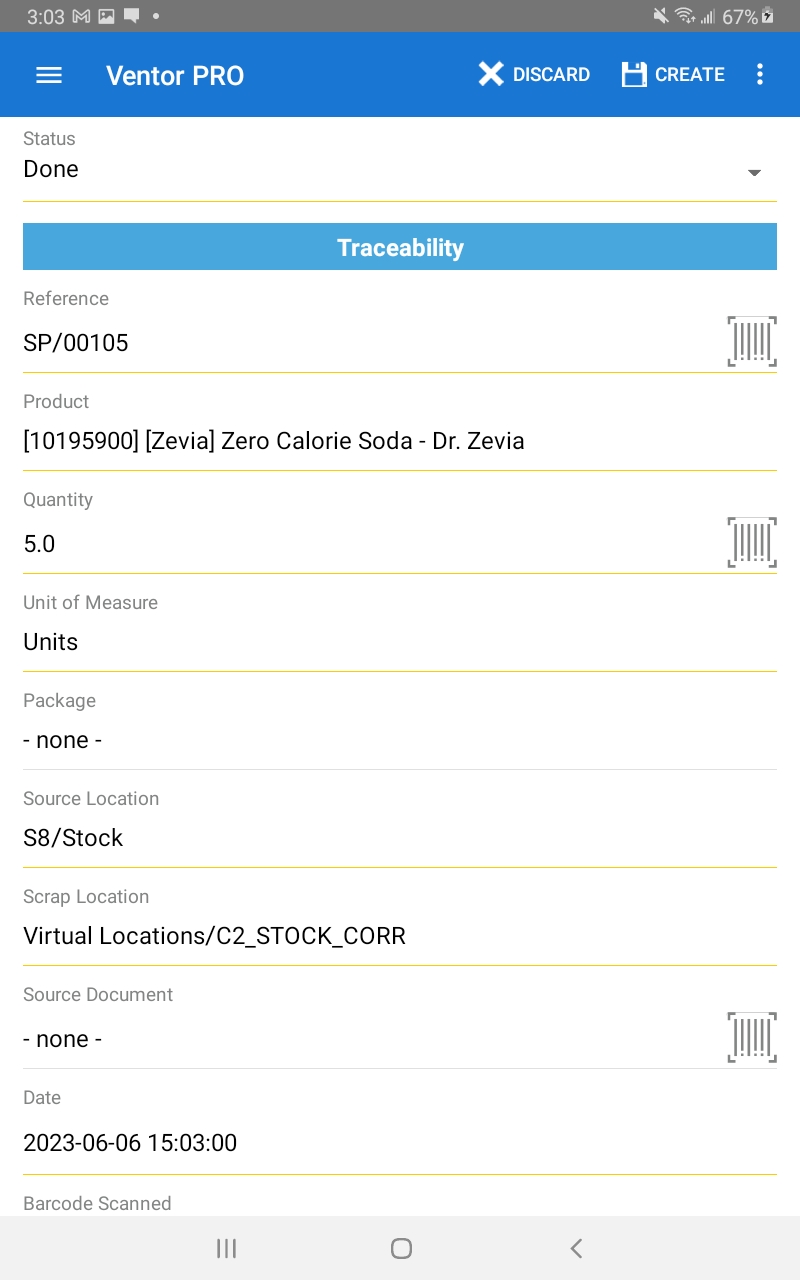
Mobile ERP Scrap
Summary
Due to the bugs with ventor's scrap management. The mobile ERP functionality of ventor can be used in it's place. This allows scrap operations to be validated using a mobile device.
How To
- Go to the ventor home screen.
- Click on the the 3 dots in the top right corner.
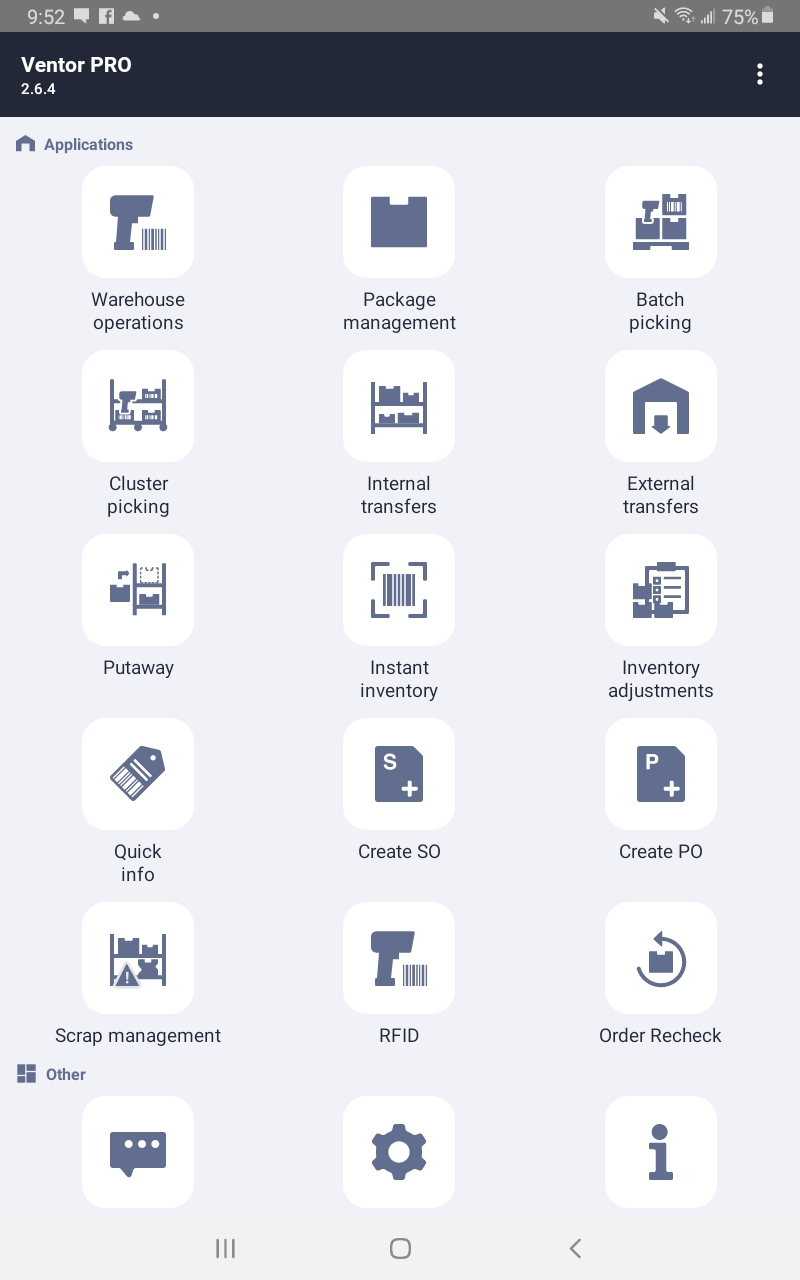
- Select mobile ERP.
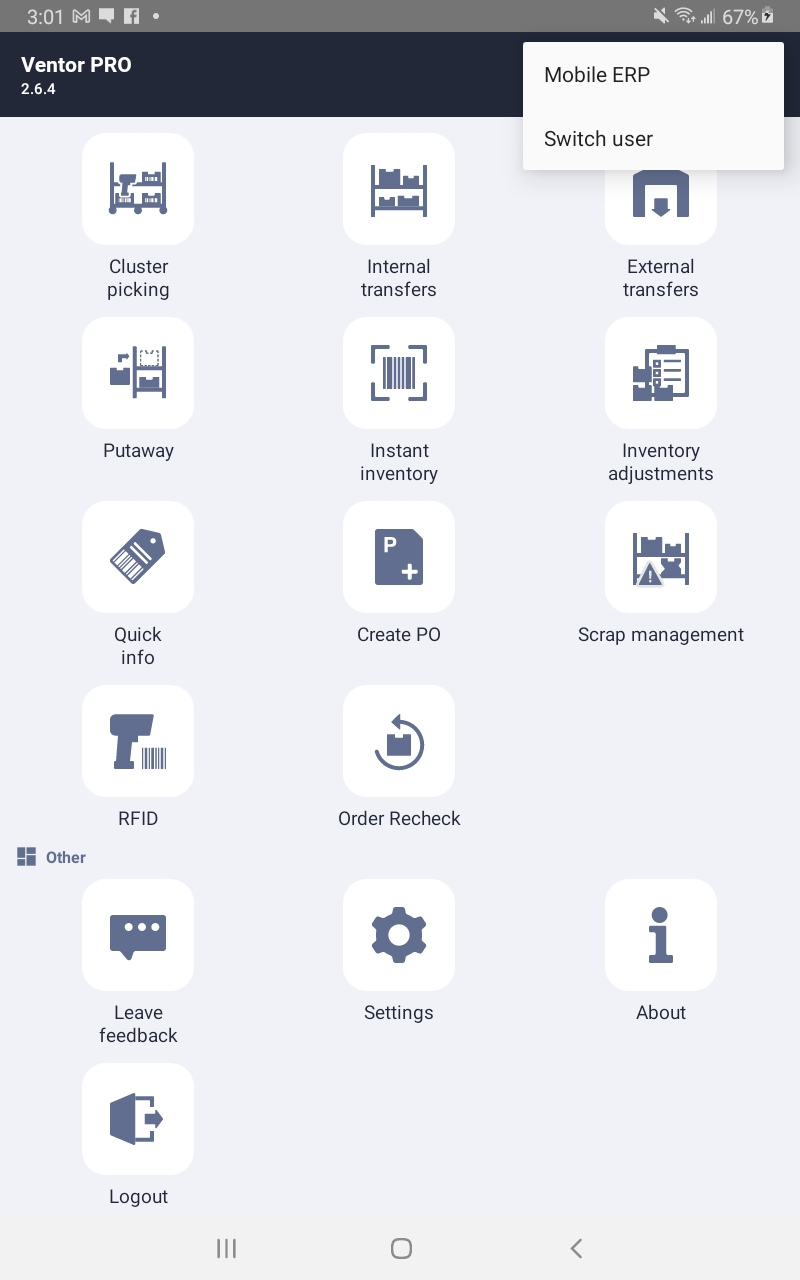
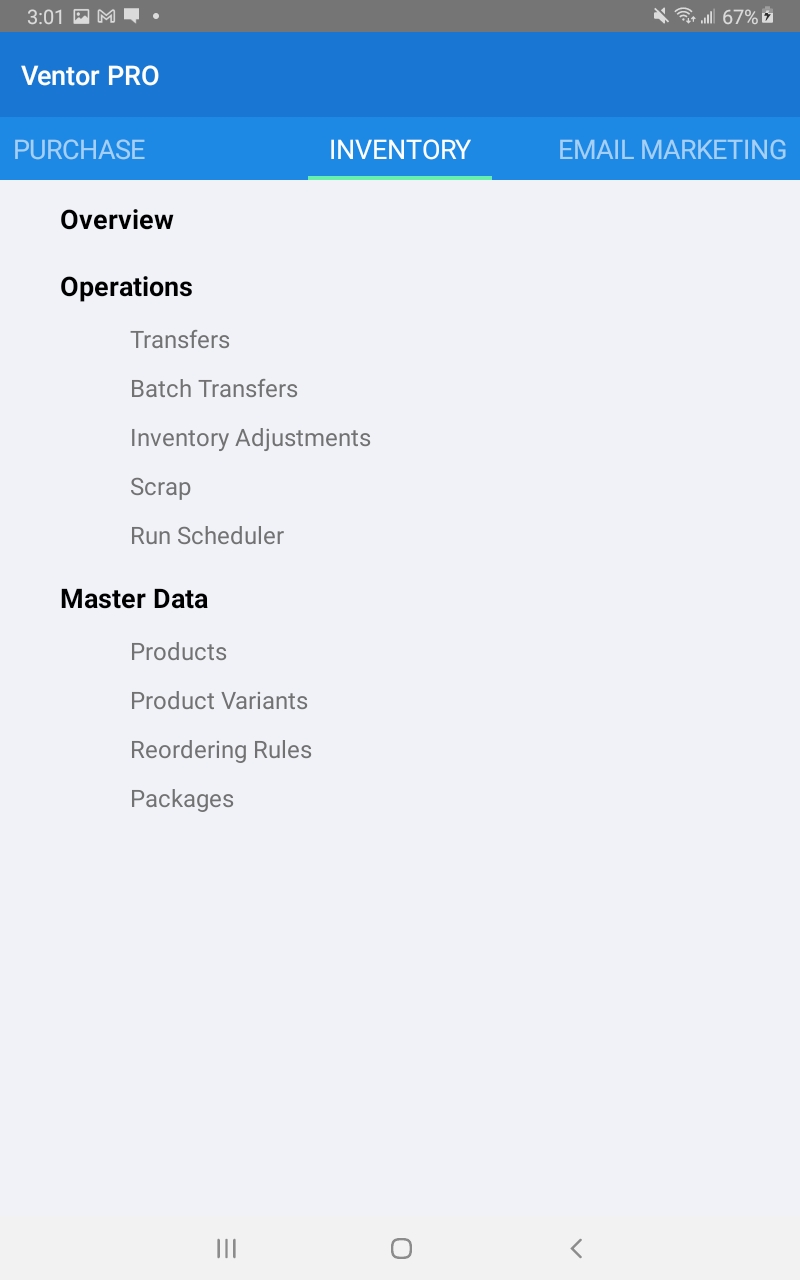
- Click on inventory.
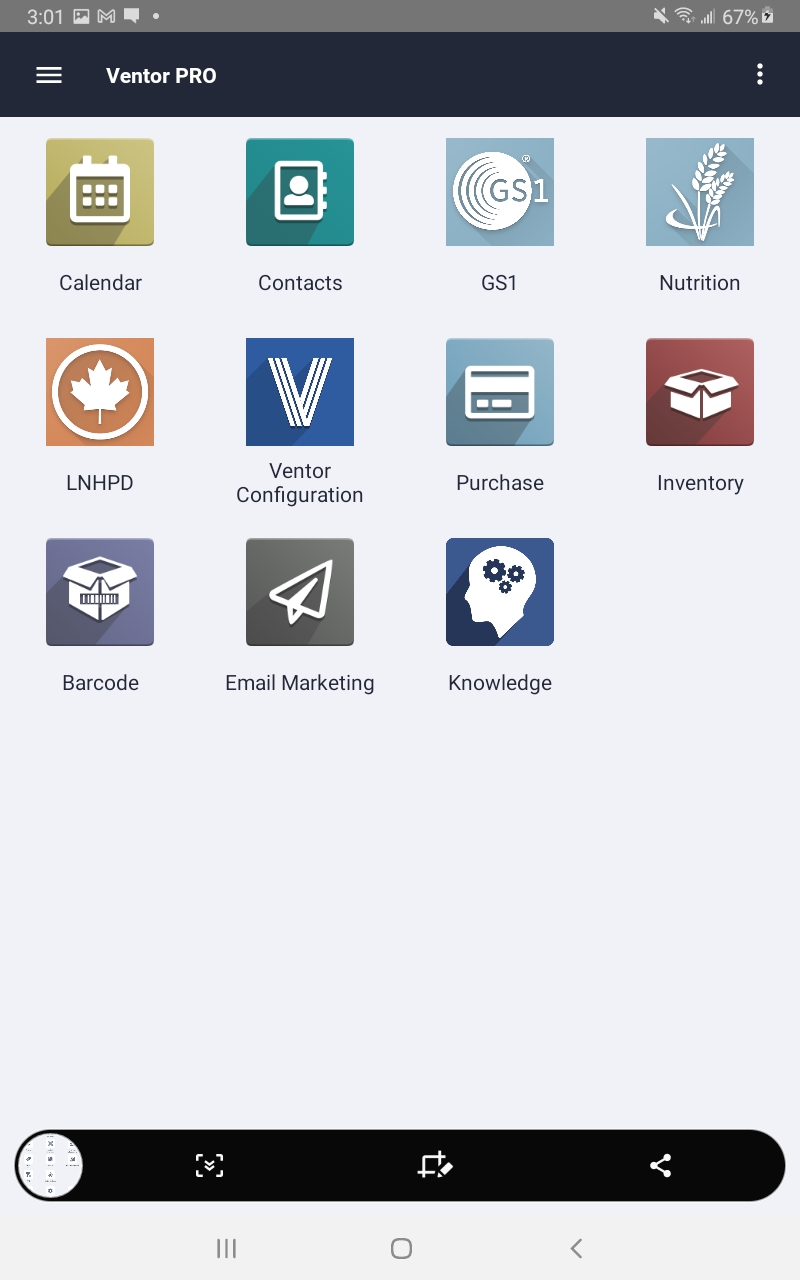
- Then select Scrap under the Operations header.
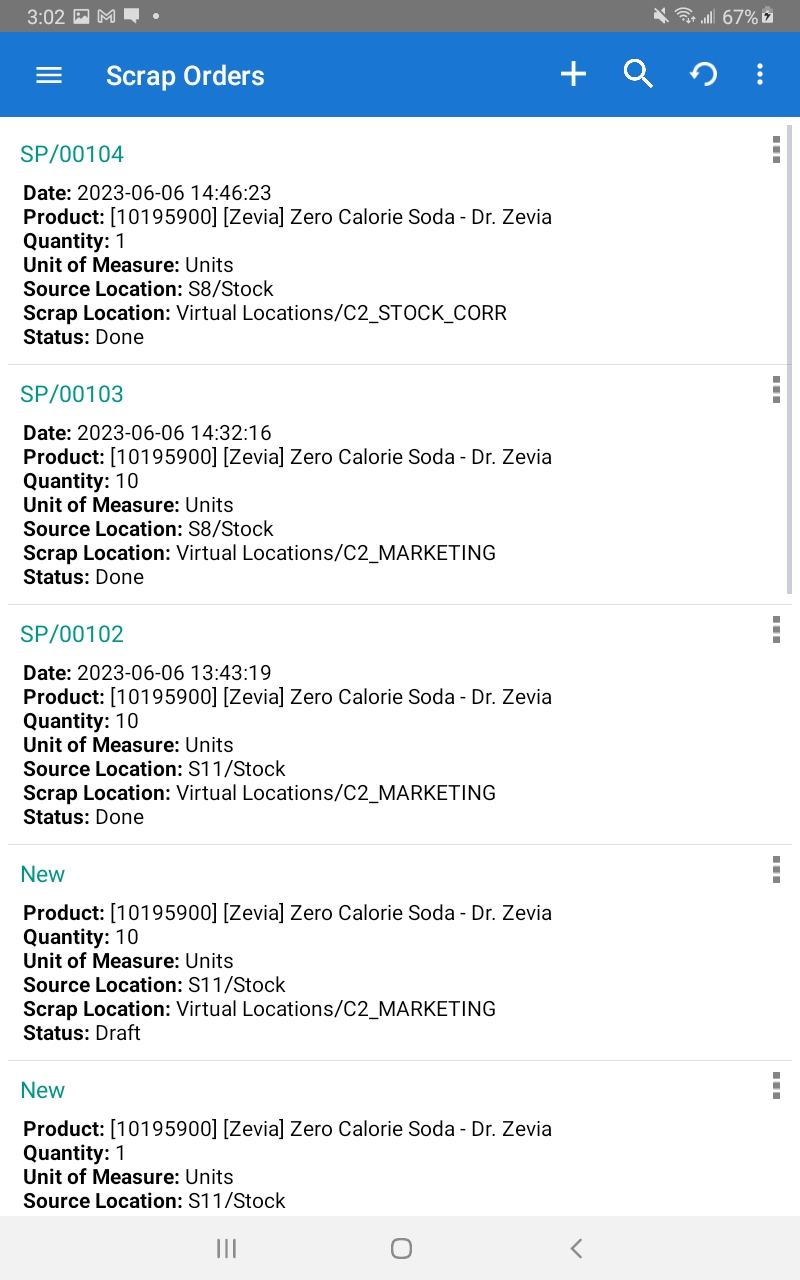
- Click on the + symbol in the upper right hand corner to create a new scrap operation.
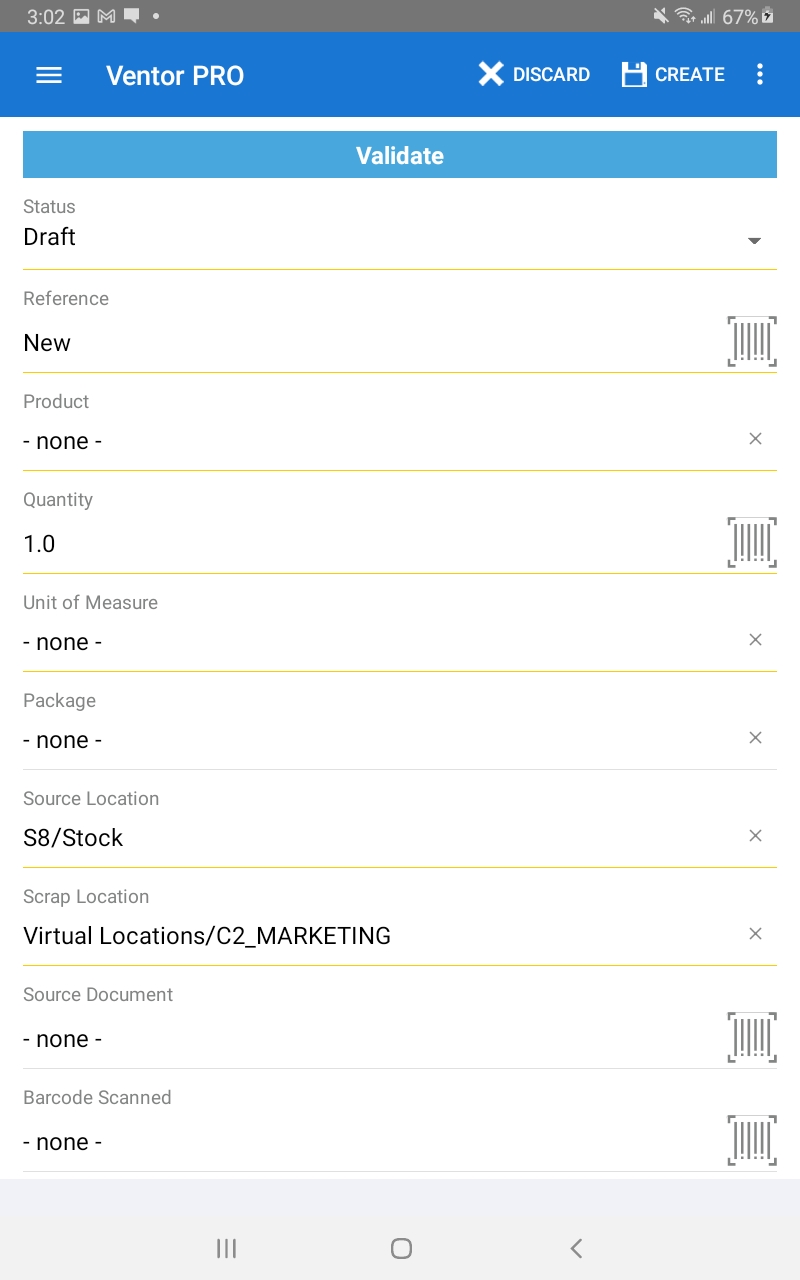
- Select the product, the scrap location and the source location. Then enter the quantity to be scrapped. Once that is done select validate.
- Once it is done you will see the done operation.