View Transfer Attachments
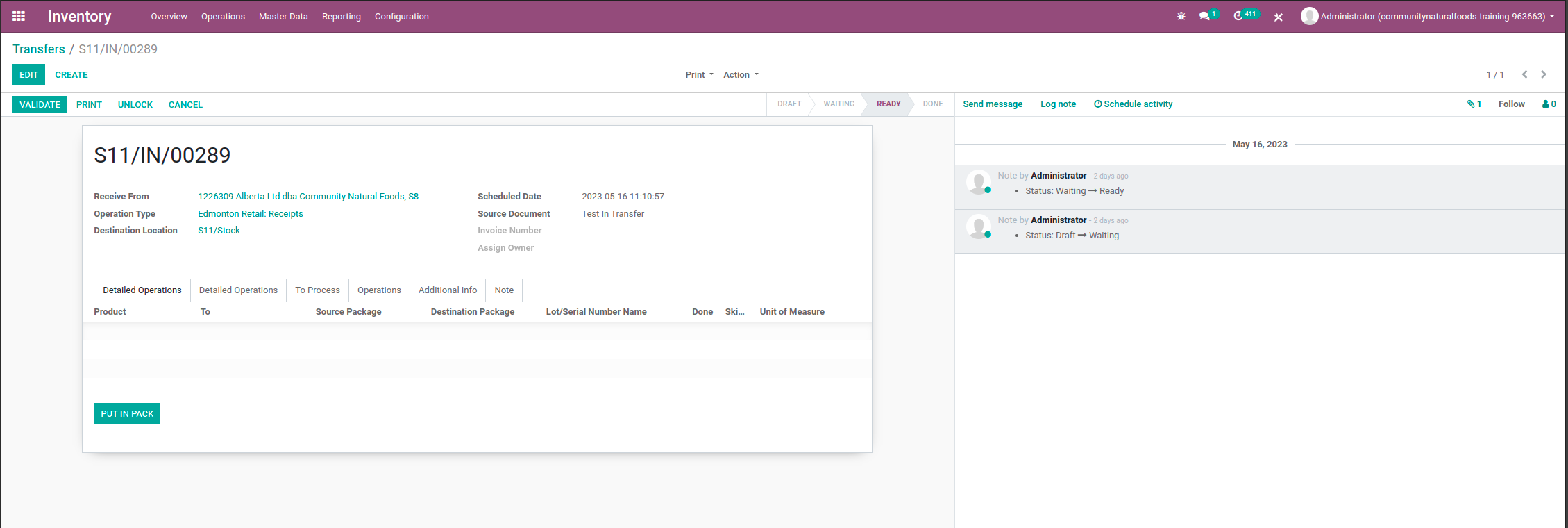
- Select the transfer you would like to view. Click on the paperclip in the top right corner next to the follow button. Dependin on screen size the chatter may appear below the transfer info instead of beside.
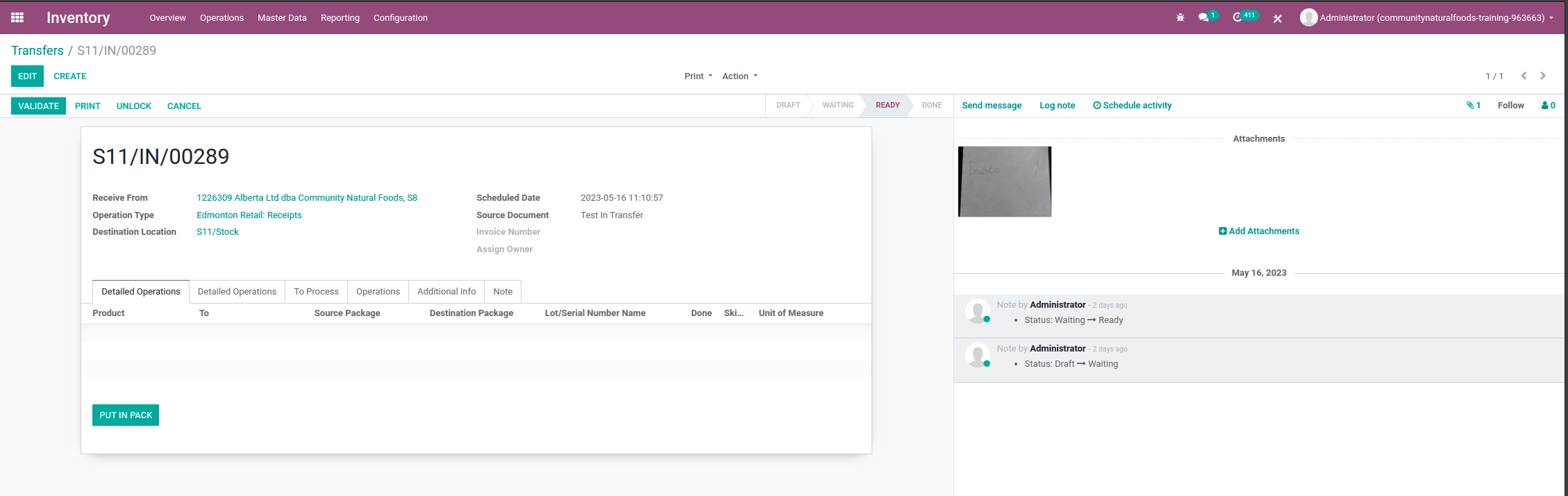
- Here you can view the attachments. You can then type the invoice number in the attachment into the invoice number field on the transfer.
- To find out how to add these attachments using ventor click here.