Guide to Uninstall Google Modules in Odoo
Purpose
This guide outlines how to remove Google-related modules used in CNF safely. These modules are often used for integration with Google Tag Manager and Google Merchant Center. Removal will reduce external dependencies while preserving core e-commerce and product management functionality.
Modules to Remove
website_google_merchant_centergoogle_tag_manager_appodoo_google_tag_manager
Impact Analysis
website_google_merchant_center
Direct Dependency:
product_delist_reason– adds product delisting reasons
Impact:
product_delist_reasonincludes a dependency onwebsite_google_merchant_center, but this is non-essential- The module only adds a selection field to indicate delisting reasons
- Dependency can be safely removed
google_tag_manager_app and odoo_google_tag_manager
Dependencies:
- No other modules depend on these
Impact:
- These modules are used for Google Analytics integration
- Removing them affects analytics tracking only, not core functionality
Google Modules (Initial State)
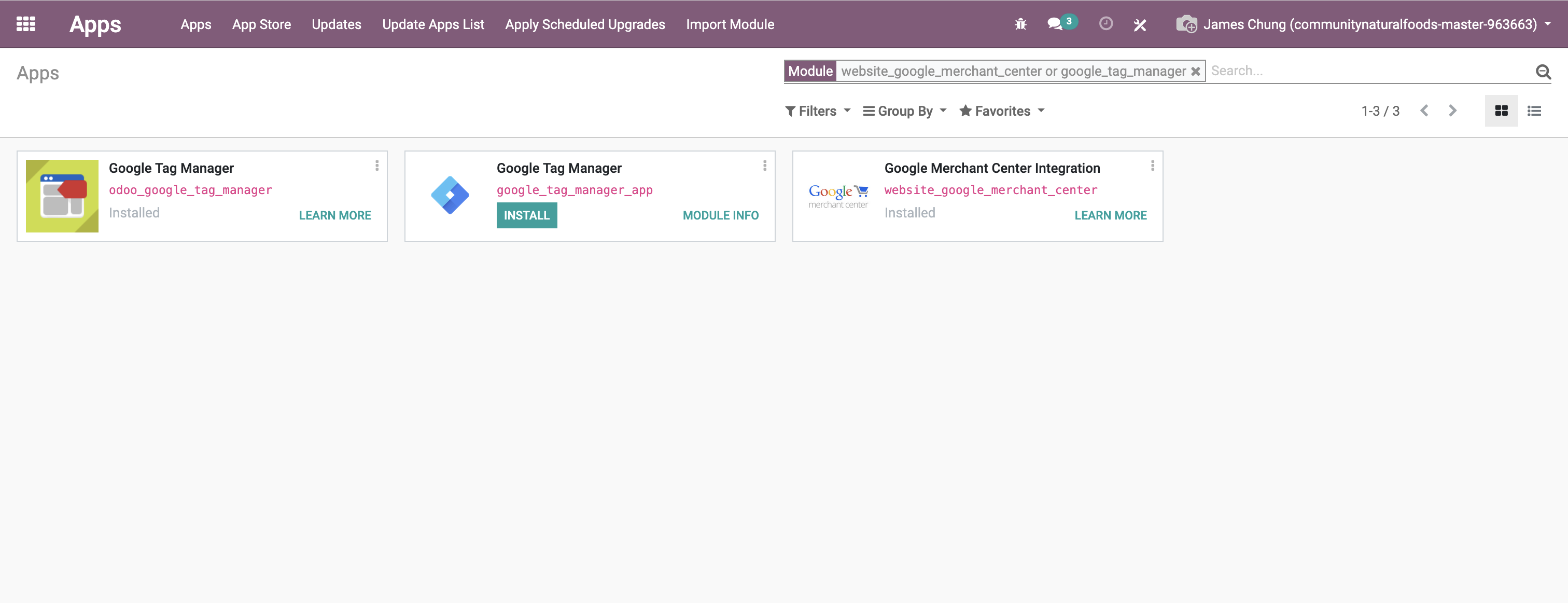 Image 1 – Initial list of installed Google modules
Removal Steps
Step 1: Modify Dependency in product_delist_reason
Update the manifest to remove the unnecessary dependency:
Step 2: Restart Odoo and Update Modules
Restart the Odoo server and update the product_delist_reason module:
Step 3: Uninstall Google Modules
In the Odoo backend:
- Navigate to Apps → Installed Modules
- Uninstall in this order:
website_google_merchant_centergoogle_tag_manager_appodoo_google_tag_manager
Step 4: Verification
Confirm that critical functionality continues to work:
product_delist_reason- E-commerce operations
- Product and inventory management
Step 5: Code Cleanup (Optional)
To fully remove the code:
rm -rf custom_addons/website_google_merchant_center
rm -rf custom_addons/google_tag_manager_app
rm -rf custom_addons/odoo_google_tag_manager  # Optional
Google Modules (Final State)
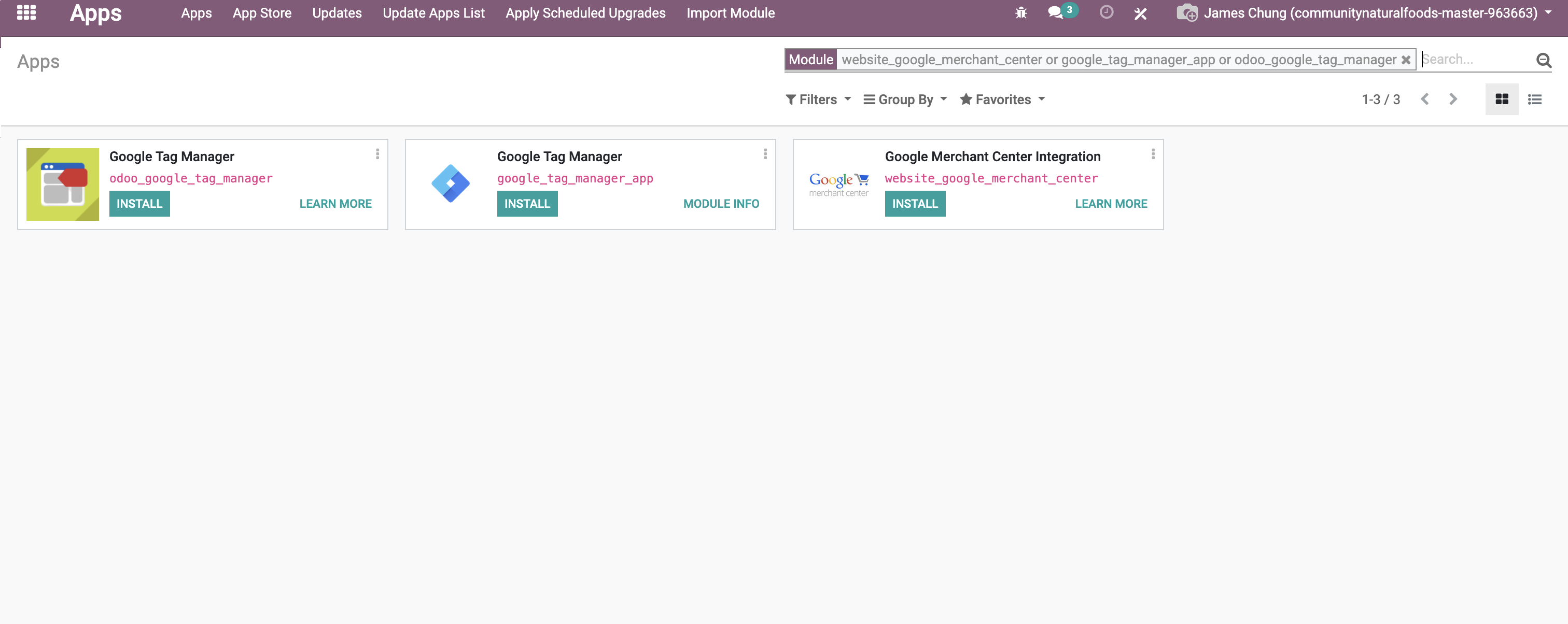 Image 1 – Final state of installed Google modules after cleanup
Rollback Queries (if needed)
If you accidentally remove a module or break functionality:
-- Restore dependency in product_delist_reason
-- Edit the manifest manually and re-add the module

-- Reinstall via Odoo shell or interface
./odoo-bin -d <your_database> -i website_google_merchant_center
Final Recommendations
- ✅ Always test first in a development/staging environment
- 🔍 Verify that no custom views or templates rely on the modules
- 🔗 Check for external scripts or services using Google Tag Manager or Merchant Center
Optional Notes on odoo_google_tag_manager
You do not need to uninstall odoo_google_tag_manager if:
- It is functioning properly and provides required analytics
- Your goal is limited to removing only the Google Merchant Center integration
- You are using it as your only Tag Manager implementation
Simply skip the uninstallation step for this module if you decide to keep it.
Summary Table of Removed Modules
| Status | Module Name | Required? | Notes |
|---|---|---|---|
| ✅ | website_google_merchant_center | Yes | Removed due to non-essential dependency |
| ✅ | google_tag_manager_app | Yes | Independent module, no system dependency |
| 🟡 | odoo_google_tag_manager | Optional | Can be retained for analytics if still configured |